
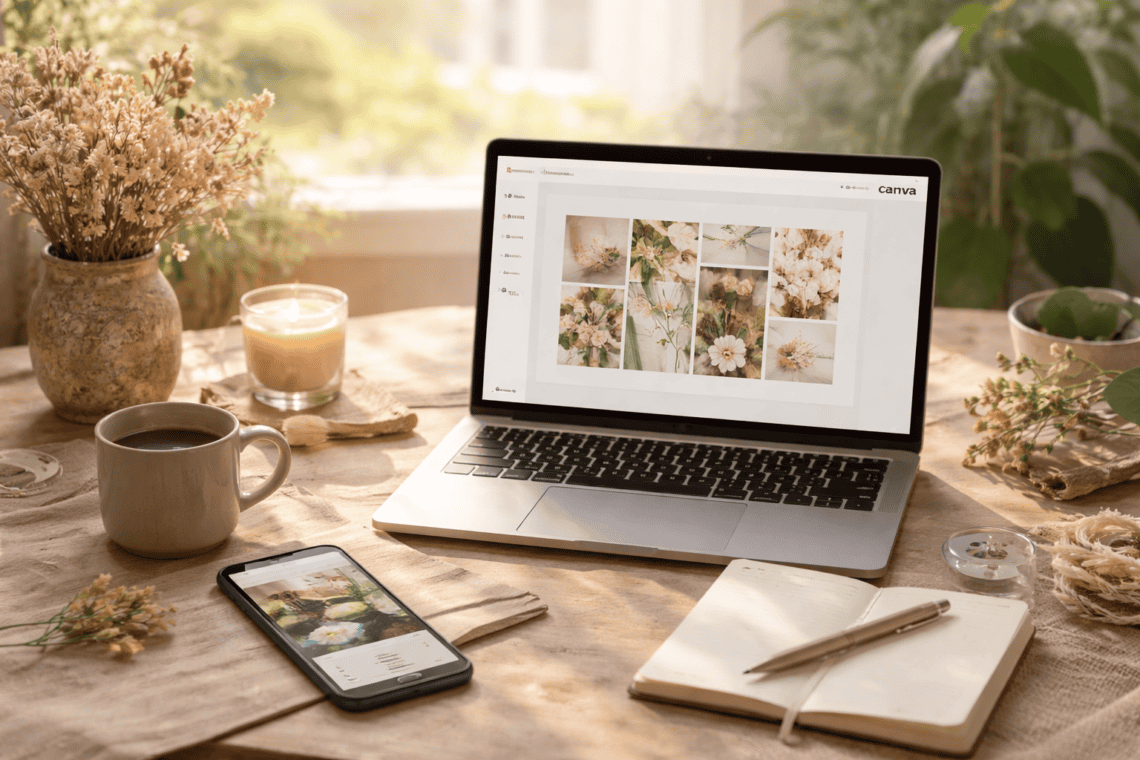
5 Fun Digital Skills Even Non-Tech People Can Learn
You don’t need to be “good with technology” to enjoy digital skills.
You don’t need to code, understand systems or keep up with trends. You don’t even need a big goal. Some digital skills are simply tools that make everyday life feel a little easier, a little more expressive or a little more organised.
What makes these skills even more approachable is that they don’t require paid software or subscriptions to begin with. Every skill shared here can be explored using free tools, at your own pace, without spending money upfront.
If you’ve ever thought, “this sounds interesting, but it’s probably not for someone like me,” this post is for you.
Here are five fun digital skills even non-tech people can learn, ordered from easiest to slightly more involved, so you can start gently and build confidence as you go.
1. Canva for Everyday Creativity
Canva is one of the easiest ways to start using digital tools creatively.
It isn’t about being a designer. It’s about arranging things visually in a way that feels pleasing to you. Most people begin by opening a template and making small changes, like adjusting a colour, switching a font or moving elements around.
People often use Canva for:
- Simple planners or habit trackers
- Vision boards
- Invitations or personal notes
- Visual journaling
A gentle first step
Open Canva and browse a few templates without trying to create anything yet. Just notice what you’re drawn to.
Free tool to start with
Canva, free version
Creativity doesn’t need permission. Sometimes it begins by rearranging what already exists.
2. Digital Journaling or Simple Notion Pages
You don’t need complex systems or aesthetic dashboards to organise your thoughts digitally.
Digital journaling is simply about having one place where your notes, reflections or light plans can live. It’s private, flexible and very forgiving. There is no right way to do it.
People use digital journaling for:
- Weekly reflections
- Personal notes
- Gentle planning
- Keeping thoughts in one place
A gentle first step
Create one simple digital page titled “This Week” or “Notes” and add only what feels useful.
Free tools to start with
Notion
Apple Notes or Google Keep
Simplicity often lasts longer than perfection.
3. Basic Photo Editing for Everyday Use
Most of us already take photos of everyday moments, places and people we love.
Basic photo editing isn’t about perfection or social media polish. It’s about making photos feel a little closer to how the moment actually felt.
This usually involves:
- Adjusting brightness
- Cropping gently
- Adding warmth
- A gentle first step
A gentle first step
Choose one photo and make one small adjustment, then stop.
Free tools to start with
Snapseed
Lightroom Mobile, free features
Sometimes noticing a photo more closely is enough.
4. Basic Video Editing for Simple Instagram Posts
You don’t need to be a creator or influencer to enjoy making short videos.
Basic video editing is about trimming clips, arranging moments and adding simple music if you like. It doesn’t require trends, effects or pressure to perform. It’s a quiet form of visual storytelling.
People use this skill to:
- Create simple reels or stories
- Share everyday moments
- Preserve memories visually
- Express creativity without words
A gentle first step
Take two or three short clips from your phone and trim them into one short video. No transitions needed.
Free tools to start with
Instagram’s built-in editor
CapCut, free version
This skill turns ordinary moments into something quietly meaningful.
5. Using AI Tools for Everyday Life
AI often sounds intimidating until you realise most tools work like simple conversations.
You don’t need to understand how they work behind the scenes. You only need to ask clear, everyday questions. When used gently, AI tools can support your thinking instead of replacing it.
People use AI tools to:
- Brainstorm ideas
- Clarify thoughts
- Organise plans
- Get unstuck when thinking feels heavy
A gentle first step
Ask an AI tool one small question you’re already thinking about.
Free tools to start with
ChatGPT
Google Gemini
By the time you reach this skill, you’ve already built confidence with other digital tools, which makes this step feel much easier.
Why Learn Digital Skills This Way?
Not everything you learn needs to:
Become a side hustle
Improve productivity
Lead somewhere specific
Some skills are worth learning because they:
- Build quiet confidence
- Reduce everyday friction
- Spark curiosity
- Help you express yourself
That is more than enough.
A Quiet Note About What’s Next
If this post resonates and is read by enough people, I’ll slowly explore some of these skills in more depth, always from a beginner-friendly, non-technical perspective.
No rush. No fixed promises. Just following what feels genuinely useful.
You don’t need to become tech-savvy.
You just need permission to explore, gently.
You may also enjoy
Beginner-friendly hobbies you can start at home
Easy hobbies for calm evenings, screen-free
How to reinvent yourself in six months, gently
-With Love,
Deepti





One Comment
Pingback: